Skip to content

Heatmaps · Recordings · AI for Shopify

See exactly where shoppers get stuck.

Heatwave watches how real visitors use your store, spots the moments they struggle, and tells you what to fix first, with the evidence to back it up.

  • Free plan
  • 2-minute setup, no code
  • Works with any theme
9:41●●● ◗
Free shipping on orders over €50
NORDLYS

Nordlys Ceramics

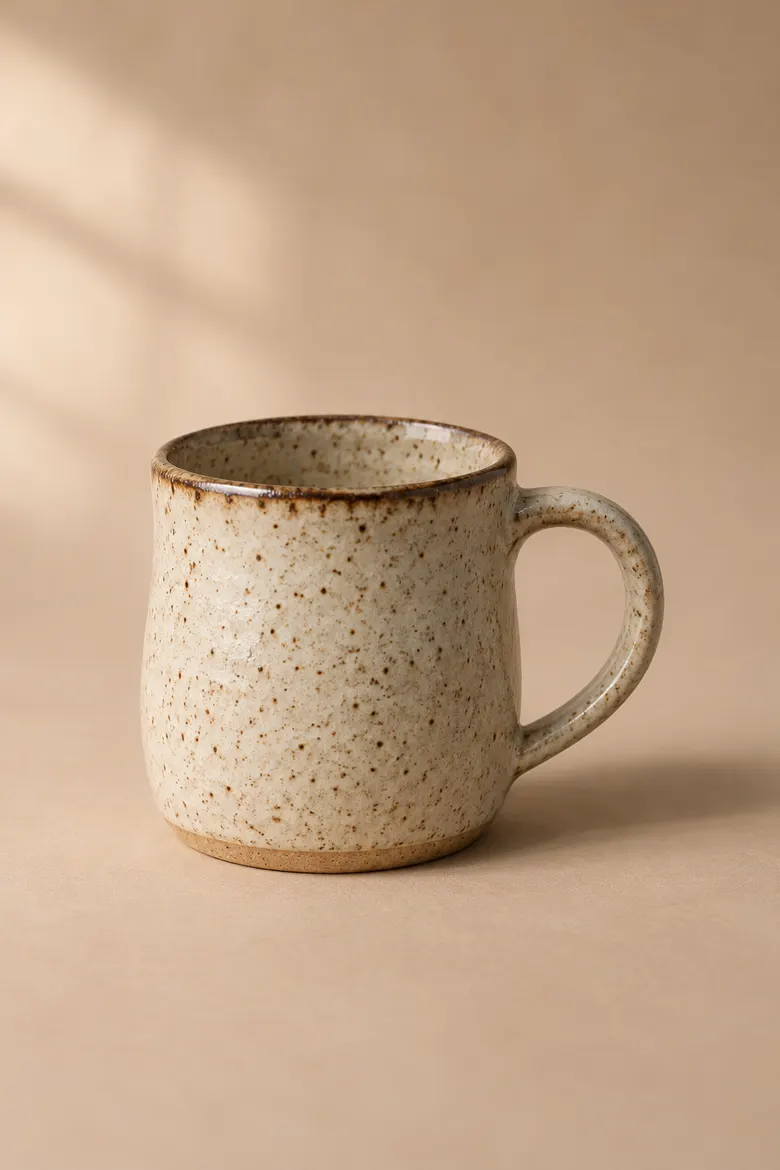
Speckled Stoneware Mug

€34★★★★★ 4.8 (212)
Size
RegularLargeEspresso
− 1 +Add to cart
Buy it now

Thrown by hand on the island of Gotland. Each speckle is unique: iron in the clay melts through the glaze in the kiln.

Shipping & returns+
Care+
Fold · what shoppers see first

Angry repeated taps

on product photo · 1 in 8 visits

AIDo first · high impact

Move Add to cart above the fold on mobile

58% of phone visitors never scroll far enough to see it.

Example store · illustrative data

Heatmaps

One page. Four ways to see it.

Heatmaps for every page type in your theme, split by phone, tablet and computer. Switch lenses to find what's ignored, what's hunted for, and what's broken.

9:41●●● ◗
Free shipping on orders over €50
NORDLYS

Nordlys Ceramics

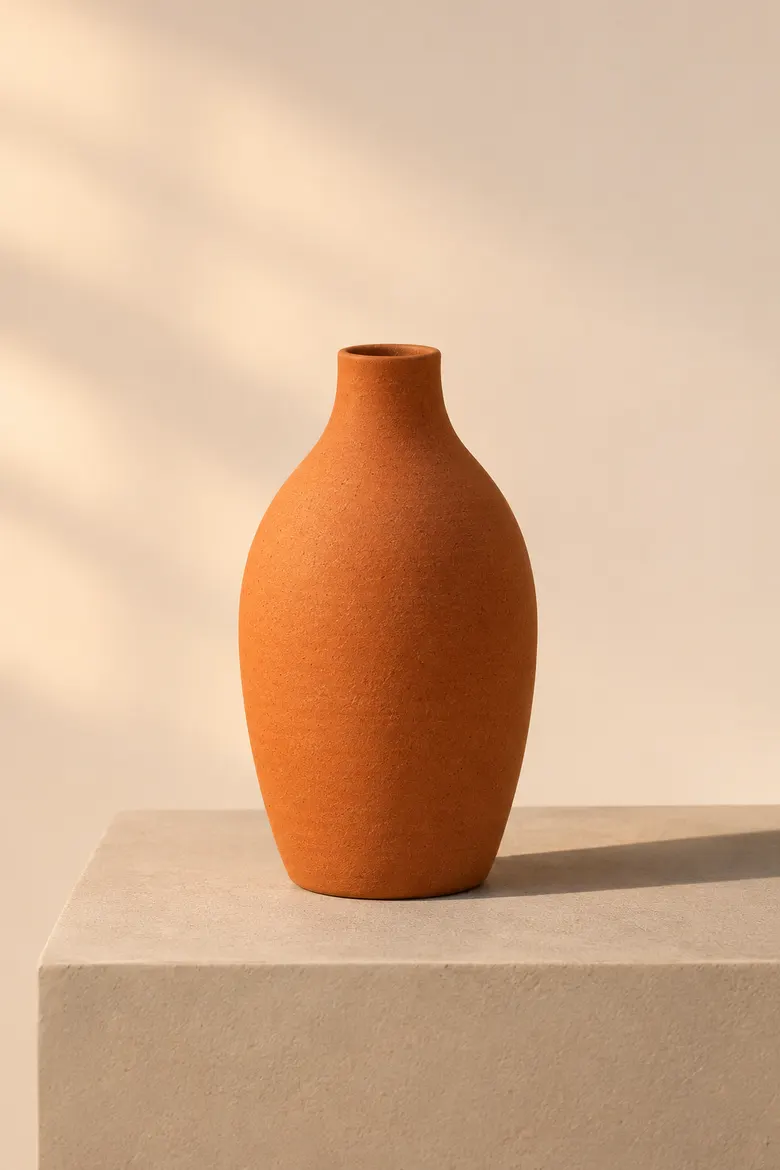
Terracotta Bud Vase

€58★★★★★ 4.8 (212)
Size
RegularLargeEspresso
− 1 +Add to cart
Buy it now

Thrown by hand on the island of Gotland. Each speckle is unique: iron in the clay melts through the glaze in the kiln.

Shipping & returns+
Care+

Fold analysis

Is your Add to cart button even on screen?

Most heatmap tools draw a line at a guess. Heatwave measures what each shopper actually saw, then turns it into one number you can fix.

9:41●●● ◗
Free shipping on orders over €50
NORDLYS

Nordlys Ceramics

Speckled Stoneware Mug

€34★★★★★ 4.8 (212)
Size
RegularLargeEspresso
− 1 +Add to cart
Buy it now

Thrown by hand on the island of Gotland. Each speckle is unique: iron in the clay melts through the glaze in the kiln.

Shipping & returns+
Care+
Sticky bars · 82px
Browser toolbar · 50px
Screen bottom
Real fold
Price 96%
Reviews 91%
Add to cart 42%
  1. 01

    Every screen has a fold.

    The fold is the bottom of the first screen. Whatever sits below it, a shopper has to scroll to find. On phones, that's most of your product page.

  2. 02

    Sticky bars move it up.

    Announcement bars, sticky headers and the browser's own toolbar all cover part of the screen. Heatwave measures the real, effective fold on every visit, for every screen size.

  3. 03

    Then it checks what made the cut.

    Price, reviews, photos and Add to cart are tracked separately. The percentages show how many real visitors saw each one without scrolling.

  4. 04

    And tells you what to move.

    A shorter gallery pulls the buy box into view. Heatwave suggests the change, shows the evidence, and re-measures once you've shipped it.

Example store · illustrative data

9:41●●● ◗
Free shipping on orders over €50
NORDLYS

Nordlys Ceramics

Speckled Stoneware Mug

€34★★★★★ 4.8 (212)
Size
RegularLargeEspresso
− 1 +Add to cart
Buy it now

Thrown by hand on the island of Gotland. Each speckle is unique: iron in the clay melts through the glaze in the kiln.

Shipping & returns+
Care+
Sorry, Large is sold out
Session ended
0:00

Session recordings

Watch the moment
a sale slipped away.

Replays come with a written story of each visit, so you don't have to watch hours of video. Heatwave surfaces the visits worth watching: failed add-to-carts, the most friction, abandoned checkouts.

  1. 0:00Arrived from Instagram
  2. 0:06Swiped through 4 product photos
  3. 0:19Scrolled to the buy box
  4. 0:24Picked size Large
  5. 0:27Add to cart failed: “Large is sold out”
  6. 0:29Angry repeated taps on Add to cart ×4
  7. 0:41Left the store

Behaviour detection

29 ways shoppers tell you something's wrong.

Every finished visit is checked for patterns like failed add-to-carts, size indecision and slow pages. Each one links straight to the replays where it happened.

  • Add to cart failed
  • Cart abandoned
  • Add to cart never seen
  • Click caused an error
  • Clicks that did nothing
  • Form abandoned
  • Scrolling back and forth
  • Left within seconds
  • Search struggle
  • Quick back-click
  • Variant indecision
  • Image exploration
  • Comparing elsewhere
  • Idle, then left
  • Slow page, then bounce
  • Checkout abandoned
  • Add-to-cart hesitation
  • Angry repeated clicks
  • Left after an error
  • Repeated clicking
  • Form struggle
  • Pinch-zoom
  • Bounced back from product
  • Long browse, no add
  • Page loop
  • Comparison browsing
  • Looking for information
  • Copied text
  • Slow page

See all 29 patterns and how they're detected →

AI recommendations

Not guesses. Fixes with receipts.

Nightly or weekly depending on your plan, Heatwave's AI reviews each page type on phone and computer and writes a short, ranked list of changes. Each one shows the numbers behind it and the exact steps in your theme editor.

  1. 1

    Collect

    Anonymous visits, only where shoppers allow analytics.

  2. 2

    Detect

    29 behaviour patterns found in every finished visit.

  3. 3

    Measure

    Heatmaps, fold, sections and speed become a table of facts.

  4. 4

    Review

    Claude reads the facts, your page screenshots and visit summaries.

  5. 5

    Verify

    Anything that can't cite a measured fact is thrown out.

Do firstProduct pagesPhoneImpact high · Effort low

Shorten the product gallery so Add to cart is visible without scrolling

Evidence

58%of phone visitors never saw Add to cart
112pxbelow the real fold on a 390px phone
1 in 5visits with add-to-cart hesitation

In your theme editor

  1. Open Product information in the default product template.
  2. Set Media size to Small for mobile.
  3. Move the Buy buttons block above Description.
Mark as doneSnoozeWatch 12 visits

Example recommendation · illustrative data

Setup

Live in two minutes. No code, no developer.

  1. 01

    Install from the Shopify App Store

    One click, then approve the permissions. Heatwave reads your theme and product names and listens to checkout events. It never gets access to customer records.

  2. 02

    Switch on the app embed

    A guided link opens your theme editor with Heatwave ready to turn on. The tracker is under 8 KB and loads after your page.

  3. 03

    Watch the insights arrive

    Heatmaps and replays fill in as visits come in. Recommendations follow once there's enough data to be sure.

Privacy by design

Anonymous by default.
Not as a setting.

Heatwave is built to tell you what happens on your store, never who did it. That's better for your shoppers, and it keeps you on the right side of GDPR.

  • Consent first

    Heatwave follows your Shopify cookie banner: where shoppers are asked, nothing runs until they say yes. Global Privacy Control and Do Not Track are always respected.

  • Masked in the browser

    Typing, hidden fields, emails and phone numbers are blanked before anything leaves the shopper's device.

  • Yours to delete

    Delete everything with one button. Uninstall and all of your store's data is erased within 48 hours.

How Heatwave handles data

Never collected

  • Names, email addresses, phone numbers or postal addresses
  • Anything typed into forms, search boxes or the cart note
  • Passwords, card numbers or any payment details
  • IP addresses (only the visitor's country is kept)
  • Customer accounts, order details or anything from Shopify checkout pages
  • Shoppers who decline analytics cookies or use Global Privacy Control

Pricing

Start free. Grow when it pays.

Full plan comparison →

Free

See how Heatwave works on your store

$0forever

Install free
  • 1,000 visits tracked / month
  • 100 recordings / month
  • 30 days of history
  • 1 AI analysis a month
  • Help center

Starter

For growing stores getting steady traffic

$29/ month

Start with Starter
  • 10,000 visits tracked / month
  • 2,000 recordings / month
  • 90 days of history
  • Weekly AI analysis + 4 on demand
  • Email support

Pro

High-traffic stores and agencies

$199/ month

Start with Pro
  • 200,000 visits tracked / month
  • 50,000 recordings / month
  • 1 year of history
  • Nightly + deep audits of every page type
  • Priority + onboarding call

FAQ

Questions, answered.

Something else? Read the docs or email us.

Will Heatwave slow my store down?

No. The tracker is under 8 KB compressed, loads after your page, and sends data in small batches in the background. Heatwave also measures your real page speed, so you'd see it if anything changed.

Do I need to edit my theme code?

No. Heatwave installs as a Shopify app embed: you switch it on in the theme editor and it works with any theme. Uninstalling removes it completely.

What is “the fold”, and why does it matter?

The fold is the bottom of the first screen a shopper sees before scrolling. Heatwave measures the real fold on every visit, minus sticky headers and announcement bars, and tells you what share of visitors saw your price, reviews and Add to cart without scrolling.

How does the AI decide what to recommend?

It reads a table of measured facts for each page type and device (heatmaps, fold, scroll depth, sections, speed and behaviour patterns), plus screenshots of your pages and short anonymous visit summaries. Every recommendation must cite those facts; anything that can't is discarded before you see it.

Is it GDPR compliant?

Heatwave is designed for it: no names, emails, IP addresses or typed text are collected, tracking follows your cookie banner, and personal details are masked in the browser. We act as your data processor and offer a Data Processing Agreement. You're still responsible for mentioning Heatwave in your store's privacy policy; we give you the text.

What happens when I reach my monthly limit?

Heatwave spreads your plan across the month by tracking a share of visits, so your data stays representative instead of stopping on day 10. If you do reach the limit, tracking pauses until your plan resets. Nothing is charged extra.

Can I cancel any time?

Yes. Plans are billed monthly through Shopify. Downgrade or uninstall whenever you like, and your store's data is deleted within 48 hours of uninstalling.

Your shoppers are already telling you.

Start listening today. Free plan, two-minute setup, and your first heatmaps within the hour on a busy store.